
Download wushowhide – hide updates, Windows Update, troubleshooter, Microsoft tool, system utility, update management, Windows 10, Windows 11
Overview
The wushowhide utility, officially developed by Microsoft, is a lightweight system tool designed to help users manage their Windows Update experience by enabling the hiding and unhiding of specific updates. This functionality is particularly valuable for users who encounter non-critical but disruptive updates that do not align with their system stability or workflow needs. By allowing users to selectively hide updates, the tool reduces clutter on the Windows Update screen and prevents unwanted installations that may introduce compatibility issues or performance degradation.
Targeted primarily at advanced users and IT administrators, wushowhide serves as a practical solution for maintaining control over the update pipeline without relying on third-party tools. Its use cases extend to environments where system stability is paramount, such as in enterprise settings, development machines, or personal systems running specialized software. The tool is especially useful when updates are pushed automatically but are not immediately needed or have known side effects.
As a Microsoft-developed utility, wushowhide operates within the trusted ecosystem of Windows, ensuring security and reliability. The developer did not provide additional technical details beyond its core purpose. However, its official status reinforces its legitimacy and reduces concerns about malware or unintended system changes. The tool fits into the broader category of system utilities by offering a focused, high-impact solution for a common user pain point: uncontrolled update behavior.
Key Features & Functionality
- Easy Hiding of Updates: Users can quickly hide individual updates from the Windows Update list. This is ideal for updates that are non-critical or have caused issues in the past, allowing users to maintain a clean and manageable update interface.
- Official Microsoft Tool: Developed and distributed directly by Microsoft, ensuring the tool is secure, up-to-date, and free from third-party risks. This official backing enhances user trust and reduces concerns about compatibility or system integrity.
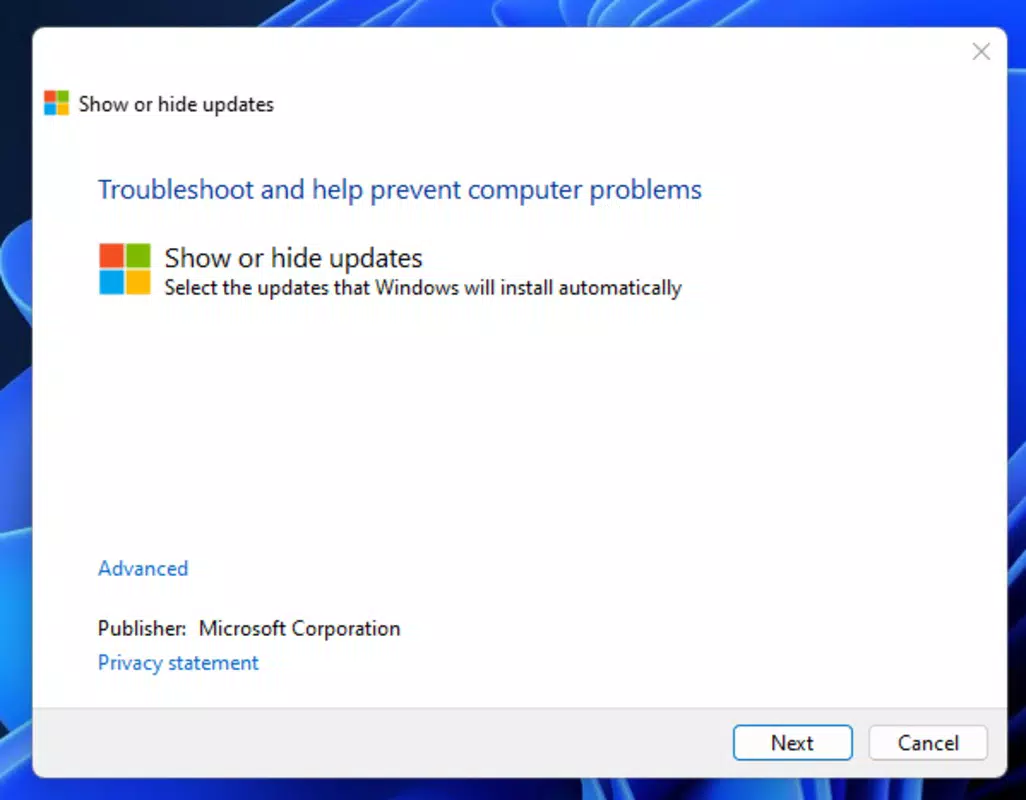
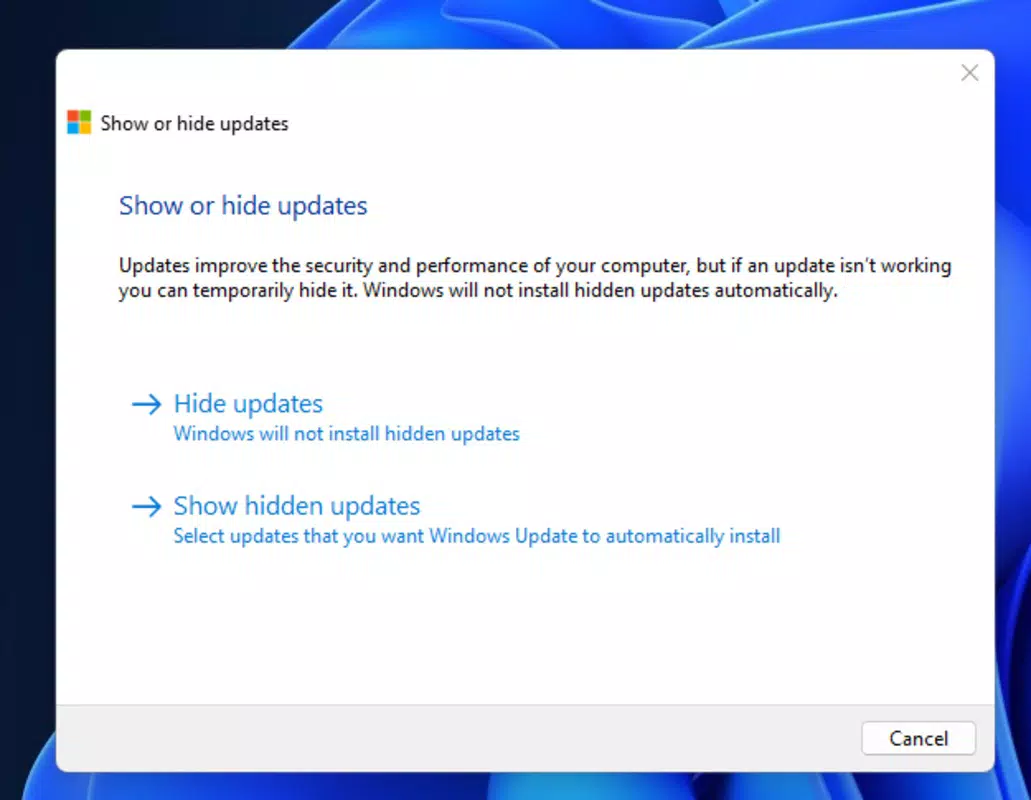
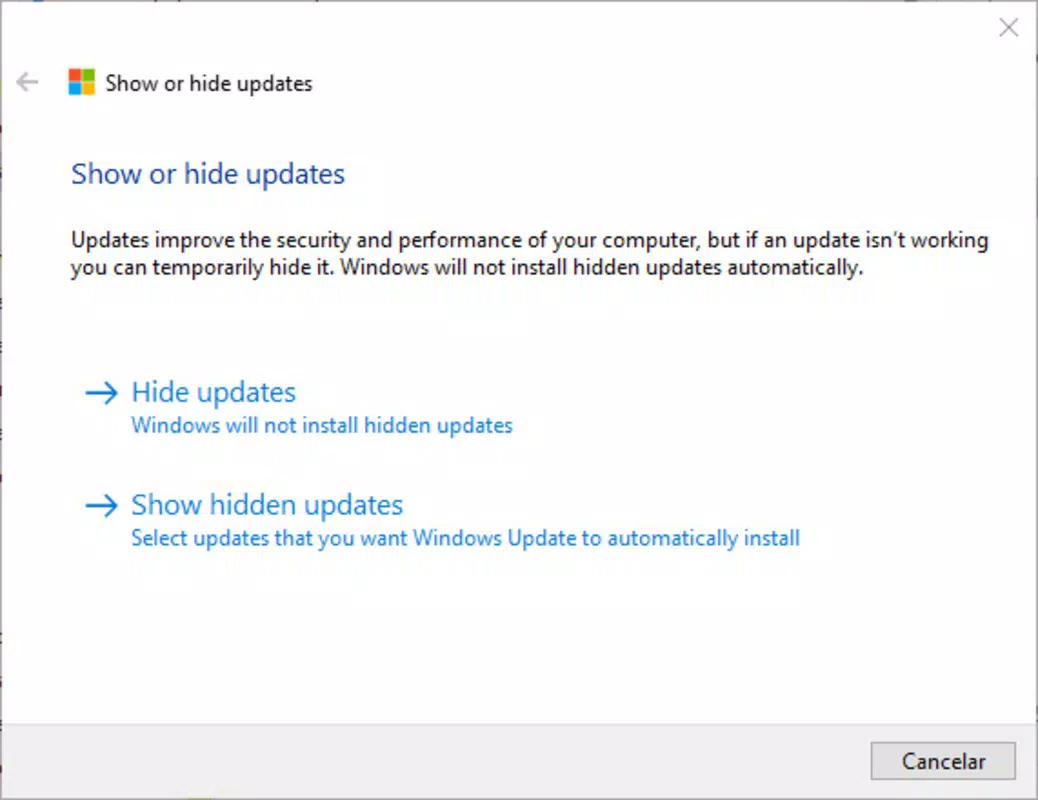
- User-Friendly Interface: The tool features a minimalistic, intuitive design that requires no technical expertise. Users can navigate through the interface with ease, making it accessible to both novice and experienced users.
- Lightweight Application: At just 1.2 MB, wushowhide consumes negligible system resources. This ensures it runs efficiently without impacting device performance or startup times.
- Reversible Actions: Hidden updates can be restored to visibility at any time. This flexibility allows users to adapt their update strategy dynamically, re-enabling updates if conditions change or if they decide to install them later.
For example, a user encountering a problematic Windows 11 update that causes driver conflicts can use wushowhide to hide it temporarily. Later, if a fix is released or the system is backed up, the update can be made visible again for installation. This dynamic control supports both stability and long-term system maintenance.
Interface, UX & Performance
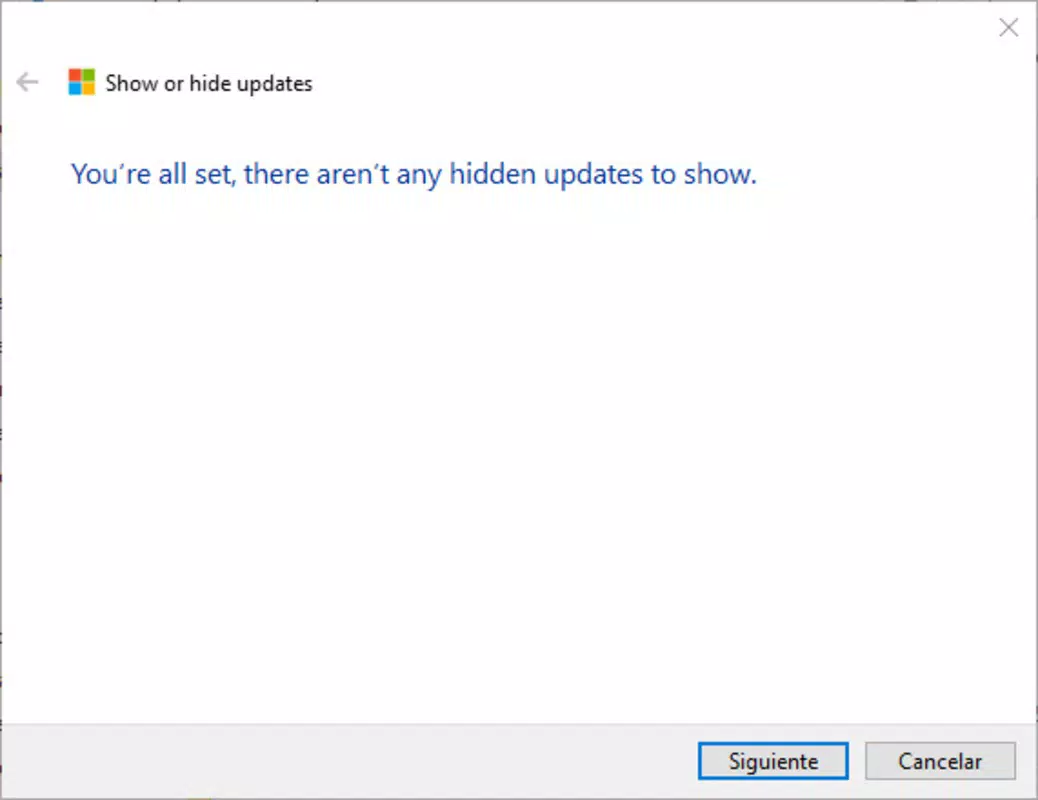
The interface of wushowhide is designed with simplicity and clarity in mind. It presents a clean list of available updates, allowing users to select and hide or unhide specific entries with minimal interaction. Navigation is straightforward, relying on basic controls such as checkboxes and action buttons, which reduces cognitive load and prevents user errors.
Visual style is consistent with Windows system tools—functional rather than decorative—ensuring it blends seamlessly into the operating environment. The layout prioritizes usability, with clear labeling and immediate feedback after actions. Although the developer did not list formal performance metrics, the tool’s minimal file size and low resource footprint suggest it operates efficiently across a wide range of Windows devices.
Responsiveness is consistent with typical system utilities, with actions executed quickly and without noticeable delays. Stability is supported by its official origin and limited scope. The tool does not run in the background or modify system files beyond the Windows Update database, minimizing the risk of unintended side effects. Users can expect a reliable, predictable experience when managing updates through this utility.
Platform Compatibility & Technical Requirements
wushowhide is available for Windows platforms, specifically designed to run on Windows 10 and Windows 11. The application has a file size of 1.2 MB and operates under version 1.0.0.0. It is distributed as a free tool, requiring no purchase or subscription.
The developer did not specify minimum OS requirements beyond the supported platforms. Compatibility information was not fully disclosed, so users should ensure their system meets standard Windows Update prerequisites. The tool does not require administrative privileges to run, though certain actions may prompt elevation requests for system-level changes.
Although the developer did not list formal performance metrics, the lightweight nature of the application suggests broad compatibility across devices, including those with limited processing power or memory. It is intended for use on desktops and laptops running the latest Windows versions.
Pros and Cons
Pros
- Official Microsoft-developed tool ensures security and reliability.
- Simple, intuitive interface suitable for all user levels.
- Minimal file size (1.2 MB) ensures low system impact.
- Allows reversible hiding of updates for flexible management.
- Free to download and use with no hidden costs.
Cons
- Only available for Windows platforms; no support for mobile or other operating systems.
- Specific compatibility requirements were not listed.
- Functionality is limited to update hiding/unhiding; no additional diagnostic or repair features.
- Does not support batch operations or filtering by update type.
- Requires user awareness to identify problematic updates.
FAQ
Is wushowhide safe to use?
Yes, wushowhide is an official Microsoft tool, which means it is secure and designed to operate within Windows Update’s trusted framework. It does not contain malware or unauthorized code.
Can I hide multiple updates at once?
While the tool allows individual selection, it does not support batch hiding. Each update must be hidden separately.
Will hiding an update prevent future installation?
Yes, once hidden, the update will not appear in the Windows Update list until it is restored through the tool.
Do I need administrator rights to run wushowhide?
While the tool can be launched without elevated privileges, certain actions may require administrative access to modify system update settings.
Is wushowhide available for Android or iOS?
No, wushowhide is designed exclusively for Windows operating systems and is not available on mobile platforms.
Final Thoughts
wushowhide stands out as a focused, reliable utility for users seeking greater control over their Windows Update experience. Its official origin, lightweight design, and reversible functionality make it a trusted choice for managing non-critical updates. While its feature set is limited to hiding and showing updates, this focused approach ensures stability and ease of use.
It is especially beneficial for power users, IT professionals, and anyone who values system stability over automatic update deployment. The ability to temporarily remove disruptive updates without permanent consequences provides a valuable safety net.
With a free price model and minimal system impact, wushowhide delivers strong value for its intended audience. For those managing Windows 10 or Windows 11 systems and seeking a secure, straightforward way to handle unwanted updates, this tool is a must-have.
Download wushowhide now


